
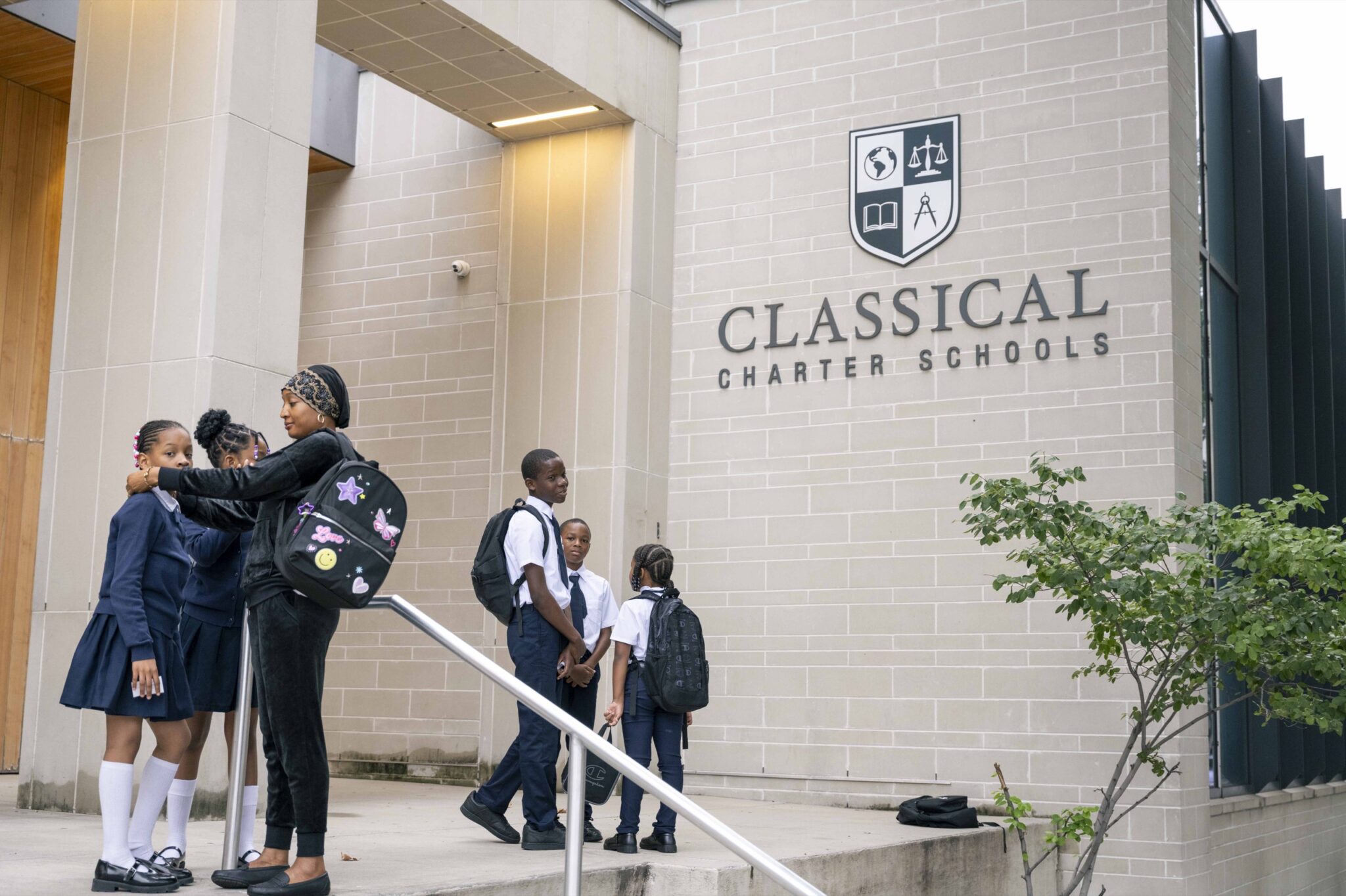
To apply to a Bronx charter school, start with the school’s official enrollment page, confirm the correct school year and grade, and complete the application through the system it identifies. Save your confirmation so you can follow up on the status.
For Classical Charter Schools, 2027–2028 applications are currently open through SchoolMint. The safest starting point is our application page, which links to the correct portal.
An application, an enrollment inquiry and an offer each mean something different. This guide explains the steps so you know what you have completed and what still needs attention.
Step 1 Confirm the school year and grade
Decide whether you are applying for the next school year or asking about a place during the current year. Check that the application you open matches that choice.
Use the grade your child would enter for the school year you select. If you are unsure, ask the school team before submitting.
Classical’s campus directory lists the grades each school currently serves. Schools I–IV serve kindergarten through eighth grade, while South Bronx Classical V in Kingsbridge currently serves kindergarten and first grade. Ask about the campus and grade options for the year you are applying to; a published grade span does not guarantee an available seat.
For current-year questions, the CCS application page provides enrollment inquiry options. Explain your child’s intended grade and the year or start date you are asking about.
Step 2 Use the official application route
Different charter schools may use different application systems. Follow the instructions on the school’s own website.
At Classical, open our CCS application and enrollment page and select Apply for the 2027–2028 School Year. The published link takes families to Classical Charter Schools on SchoolMint.
Follow the account prompts shown there. If you already have an account, use your existing sign-in details or the available account-recovery option. If you need help, contact the enrollment team through the CCS website.
You may see other forms while browsing. Check what each one does before treating it as a completed application.
| Action | What it means |
|---|---|
| Sending a CCS enrollment inquiry | You have asked the team for information or help |
| Starting an application | You have begun entering information but still need to complete submission |
| Submitting an application | You have requested admission and should save the confirmation or status shown |
| Receiving an offer | A place has been offered, with instructions and deadlines to follow |
| Completing registration | You have provided the accepting school’s required enrollment information |
Step 3 Gather the information you will need
Have your child’s full name and date of birth, your contact details, and the intended school year and grade available. Review your campus preferences before you begin.
The application may ask for information relevant to enrollment preferences, such as an enrolled sibling or where your family lives. Answer the questions accurately and ask the school how any preference applies. Do not assume that every charter school has identical rules.
Use an email address and phone number you check regularly. If another adult will help manage the process, agree on who will monitor messages and record important dates.
School registration may require additional records after an offer. Use the school’s instructions to distinguish those later requirements from the information needed to submit the application.
Step 4 Review and submit
Before submitting, check names, date of birth, contact information, grade and school year. Confirm the campus selections the application allows you to make.
Follow the final submission instructions rather than stopping after information has been saved. Then look for the application status or confirmation provided by the system.
Save a screenshot or copy of the confirmation, along with any reference number. Record the date submitted and where you should check for updates.
If you cannot tell whether submission was completed, contact the enrollment team. Classical’s application page asks families not to send multiple applications, so ask for help resolving the existing submission before starting another.
Step 5 Track deadlines and understand the lottery
Each school’s published instructions should identify its application deadline and next steps. A deadline for the city’s district school application process does not automatically apply to charter applications.
According to NYCPS charter enrollment guidance, a charter school application deadline cannot be earlier than April 1, and some schools set a later deadline. Confirm the actual date for the school and year you are considering.
When more students apply than there are available seats, schools use a random selection process such as a lottery. Enrollment preferences can affect the process. Ask Classical’s enrollment team for its current policy and notification instructions.
Applying is important, but submitting an application does not guarantee an offer.
Step 6 Follow up on your application status
Check the application system and the contact channels the school tells you to use. Keep your phone number, email address and mailing information up to date.
A waitlist notice means a seat has not been offered through that notice. Ask how updates are communicated and whether you need to take any action to remain under consideration. Waitlist movement depends on available places and the school’s process.
If you are applying late or asking about the current school year, contact the school directly about the correct next step. Do not assume that an inquiry, a saved application or a previous-year application automatically covers your current request.
Step 7 Respond to an offer and complete registration
Read an offer carefully. Note the deadline to respond, the method for accepting and any remaining registration steps.
Follow the school’s current document checklist. If a requested record is difficult to obtain or you are unsure what is acceptable, ask the enrollment team for guidance.
Before the first day, confirm arrival and dismissal, pickup arrangements, transportation, uniforms and family orientation. Discuss any student support or accessibility needs with the appropriate staff.
Classical’s family resources provide a starting point for learning about school life. Our student support information can help you prepare questions about your child’s transition.
A checklist to apply to a Bronx charter school
Before you close your admissions folder, make sure you can answer these questions:
- Did I select the correct school year and grade?
- Did I use the application system linked by the school?
- Did I complete submission and save the confirmation?
- Do I know where to check my application status?
- Have I recorded the deadlines and instructions that apply to this application?
- Does the school have contact information I check regularly?
- If an offer arrives, do I know how to respond and complete registration?
Common questions about how to apply to a Bronx charter school
Does it cost money to apply to Classical?
No. Classical’s application page states that there is no charge to submit an application or attend our schools.
Can I apply if my child has an IEP or is learning English?
Yes. NYCPS charter enrollment guidance describes open enrollment and prohibits exclusion based on disability or intellectual ability. Contact Classical’s team to discuss services and your child’s needs. Our frequently asked questions also address support for diverse learners.
Does a general website inquiry enter my child into the lottery?
No. CCS’s inquiry forms request contact from the team. Complete the application through the route identified on our application page and verify submission.
What should I do if I need help?
Use the enrollment inquiry option on our Apply to Classical page. Tell the team which school year and grade you are asking about and whether you need help starting, submitting or checking an application.